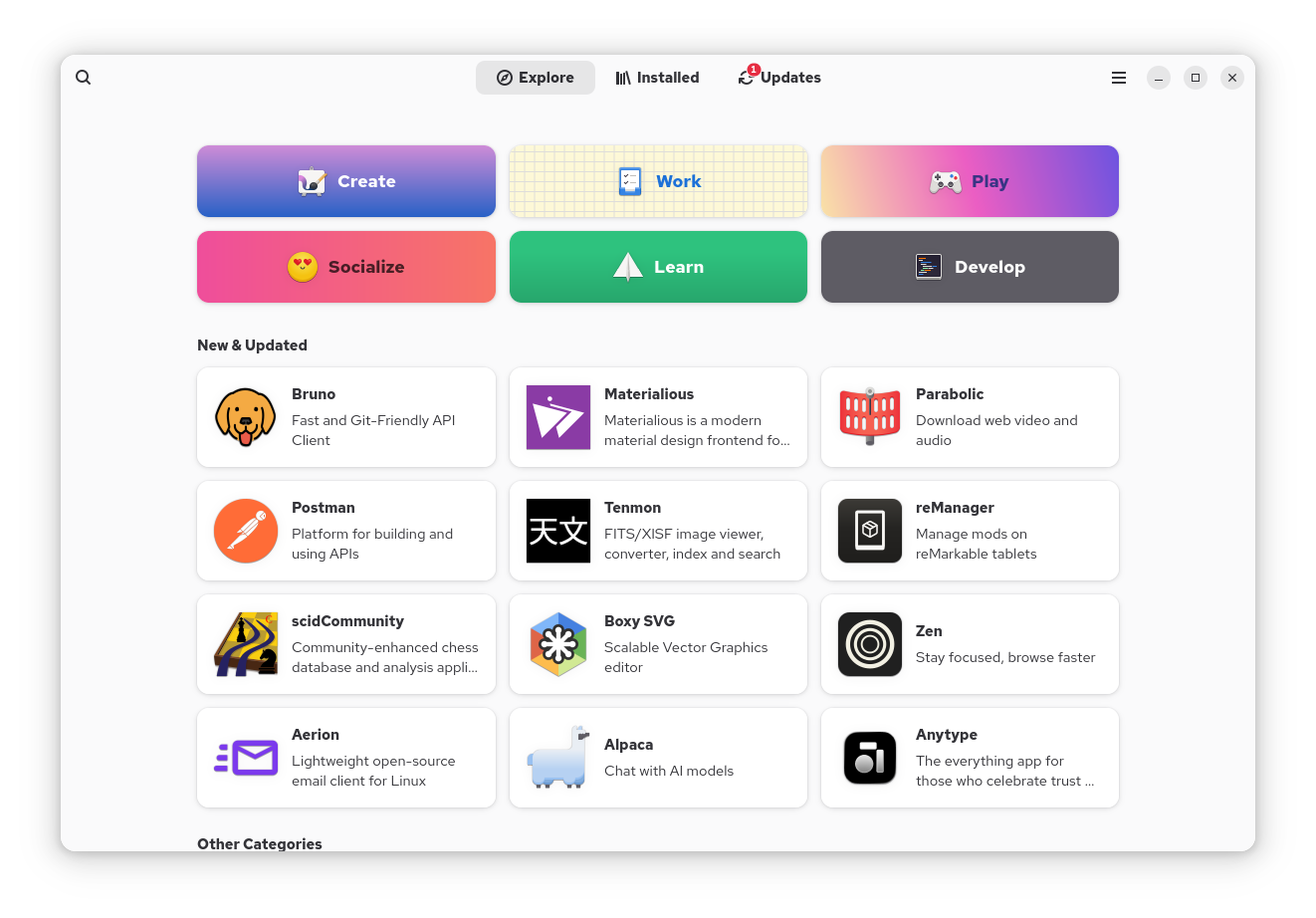
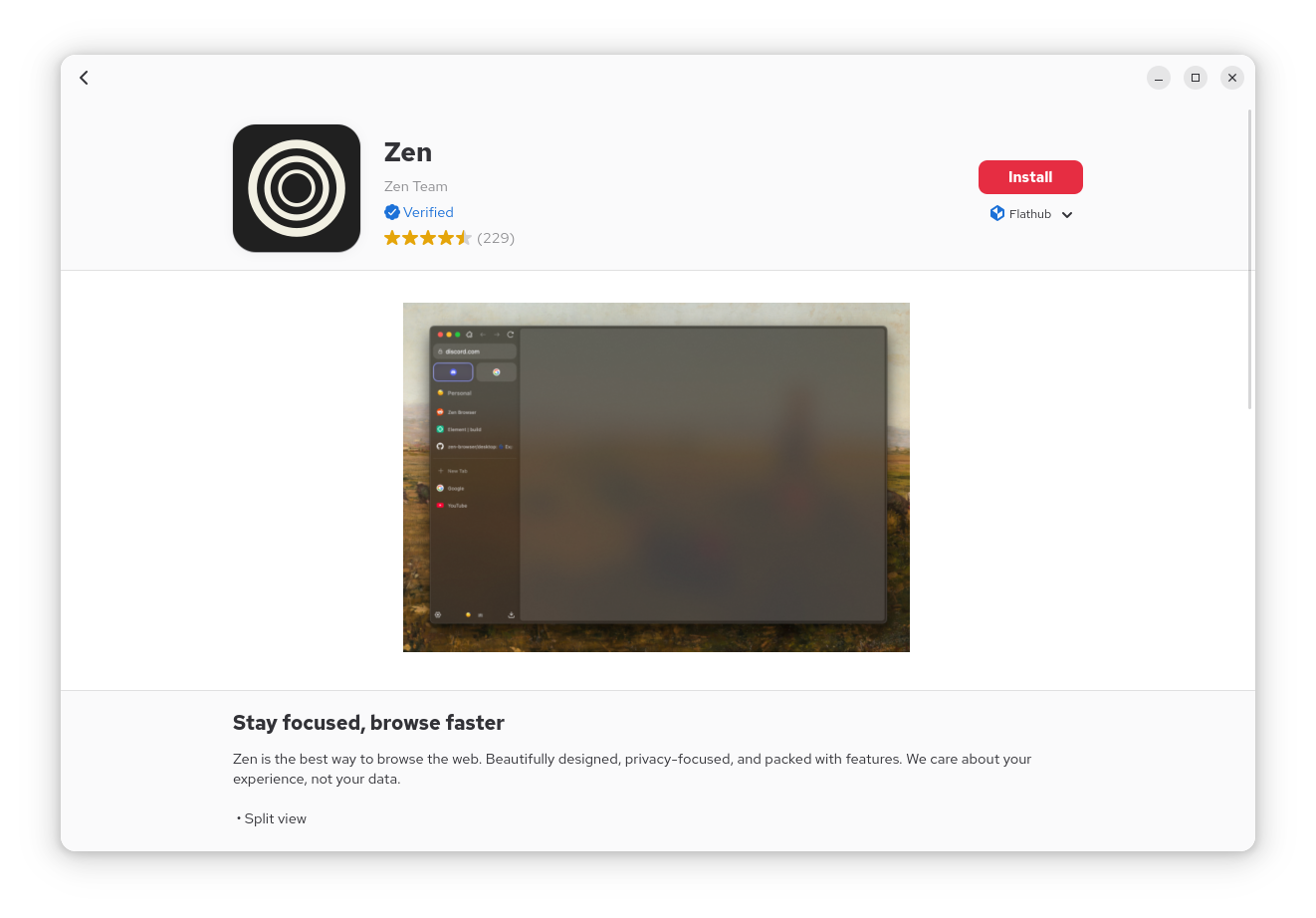
EnglishUser HandbookInstalling ApplicationsOn this pageInstalling Applications on Oreon Oreon uses GNOME Software for installing apps. Using GNOME Software Open Software from the Activities overview. Search for the application. Click Install. Using the Terminal sudo dnf install <package-name>